Shop Together and Compare Prices

Shop Together and Compare Prices
Today, I would like to share some of the features InvenDo offers when working with the Shopping List.
First, I assign a store to products that are only sold in a particular store. When I am on the Shopping List tab, I can sort my items by store by tapping the Home icon in the top bar.
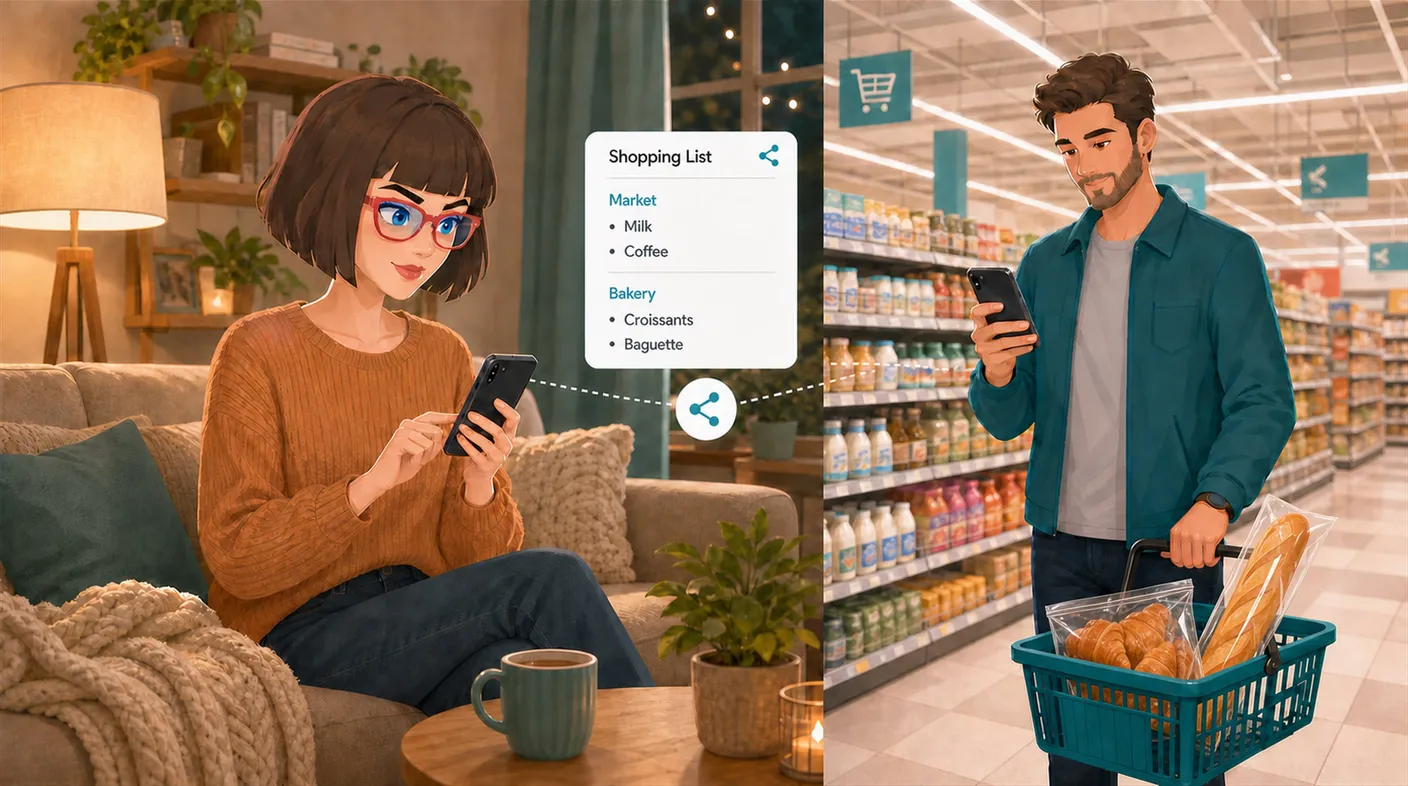
Second, I can share my list with the people closest to me—my husband and children—which is very convenient. To do this, tap the three-dot icon in the upper-right corner and select Share List from the menu.
Third, you can record the store where you bought a product and its price on the product card. The next time you are in another store, you can compare the price and see where it offers better value.
In InvenDo, you can assign a particular store to each item on your shopping list and share the list with family members. This lets everyone see what needs to be bought and which store to look for it in.
After some time has passed, I usually cannot remember how much I paid for a product. With the app, I can work out where it makes more sense to buy certain things.