InvenDo—My Assistant for an Organized Home

InvenDo—My Assistant for an Organized Home
We have all wondered at some point where we put a particular item.
I was tired of constantly searching for things, so I decided to try organizing my home with the help of an app. One day, some friends told me they were developing an app that was just right for what I needed. I installed InvenDo on my phone.
I started with the kitchen. I added all the food I had in the freezer and refrigerator, followed by everything stored in the cupboards. I won’t pretend it was quick—it took quite a bit of time at first. But as I went through everything, I discovered just how much expired food I had been keeping.
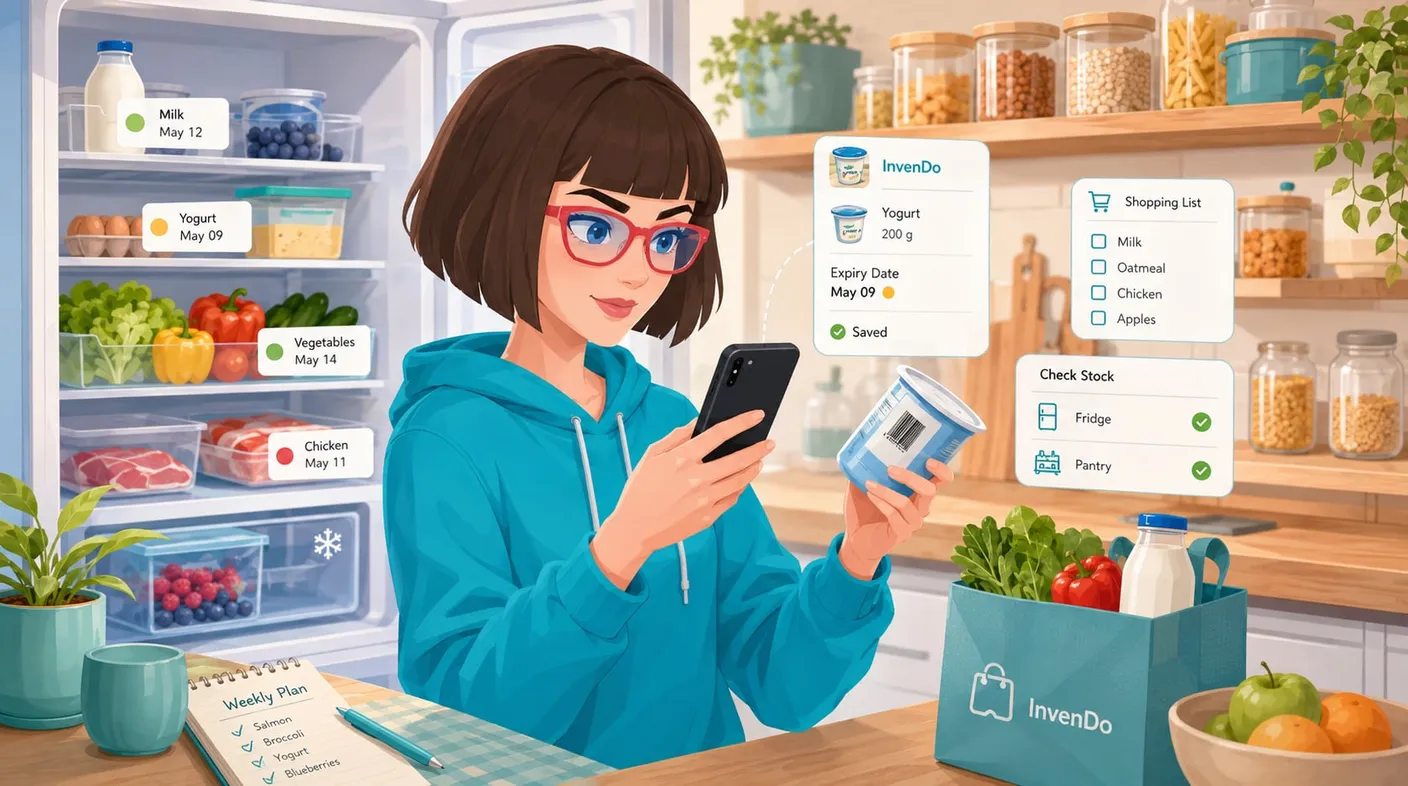
Now, whenever I come home from the store, I add my new groceries to InvenDo and always enter their expiration dates. This is very important to me! The app sorts my list and displays the products with the nearest expiration dates at the top. I now use this information when planning meals for my family. Moreover, the app sends me a notification when product is close to expiring and reminds me about it.
I would also like to mention that scanning barcodes with the Scan+ button makes adding products very quick. I always add a photo, and if I don’t particularly like a product—I also buy frozen convenience foods—I make a note about it in the product comments. If I can’t remember whether something tasted good, I can check my comment in the app and avoid buying that product again.
What’s more, if a product with the same barcode is already in my database, its details—including the name, photo, and storage location—are filled in automatically the next time I scan it. All I have to enter is the product’s expiration date.
InvenDo offers many other features, including creating shopping lists and setting a minimum quantity for a particular product or product category. But I’ll tell you more about those next time!